Free · Real-time 3D · Fly it yourself
Jungle Flight: 3D Nature Screensaver with Jungle and Waterfalls
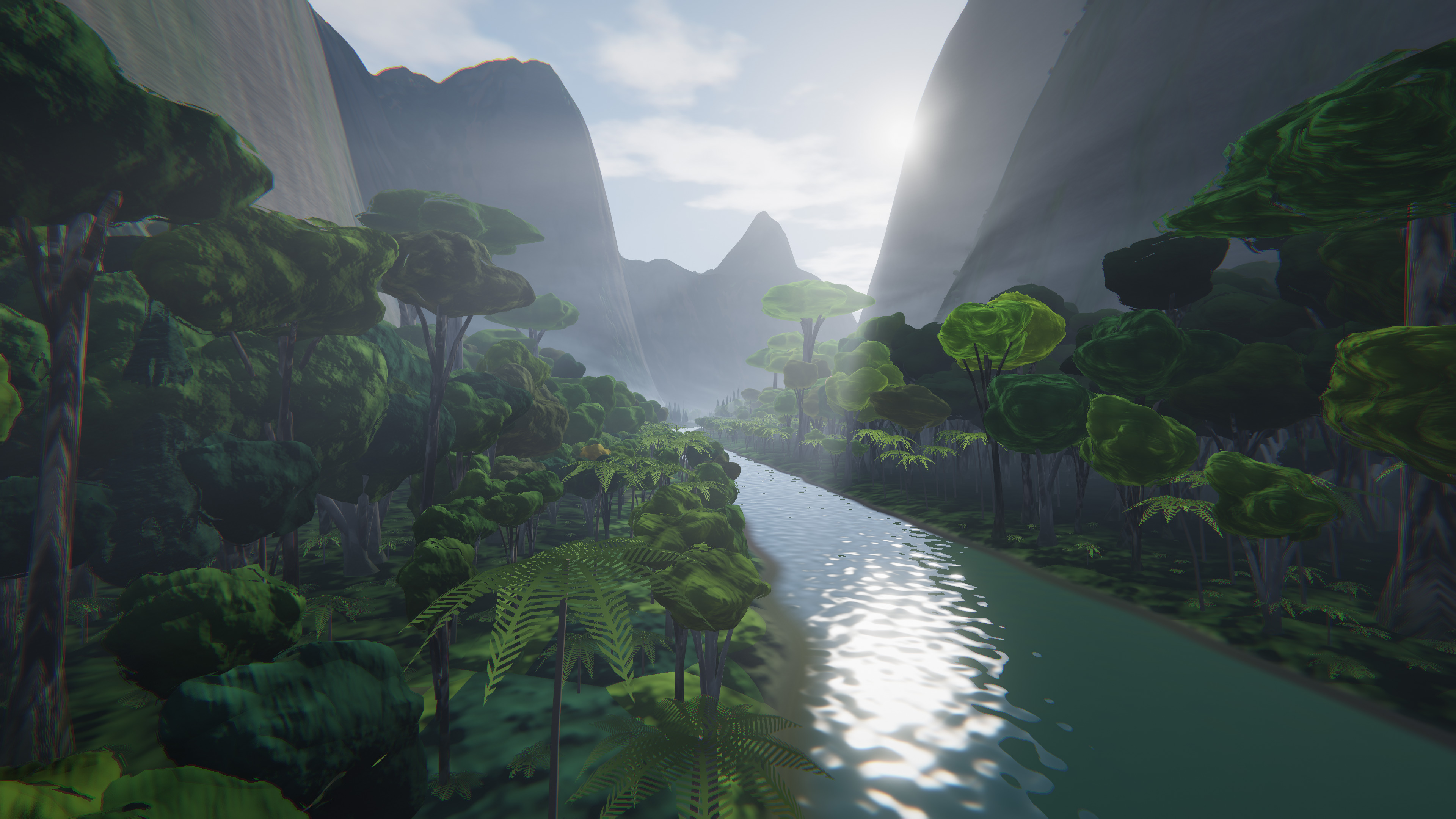
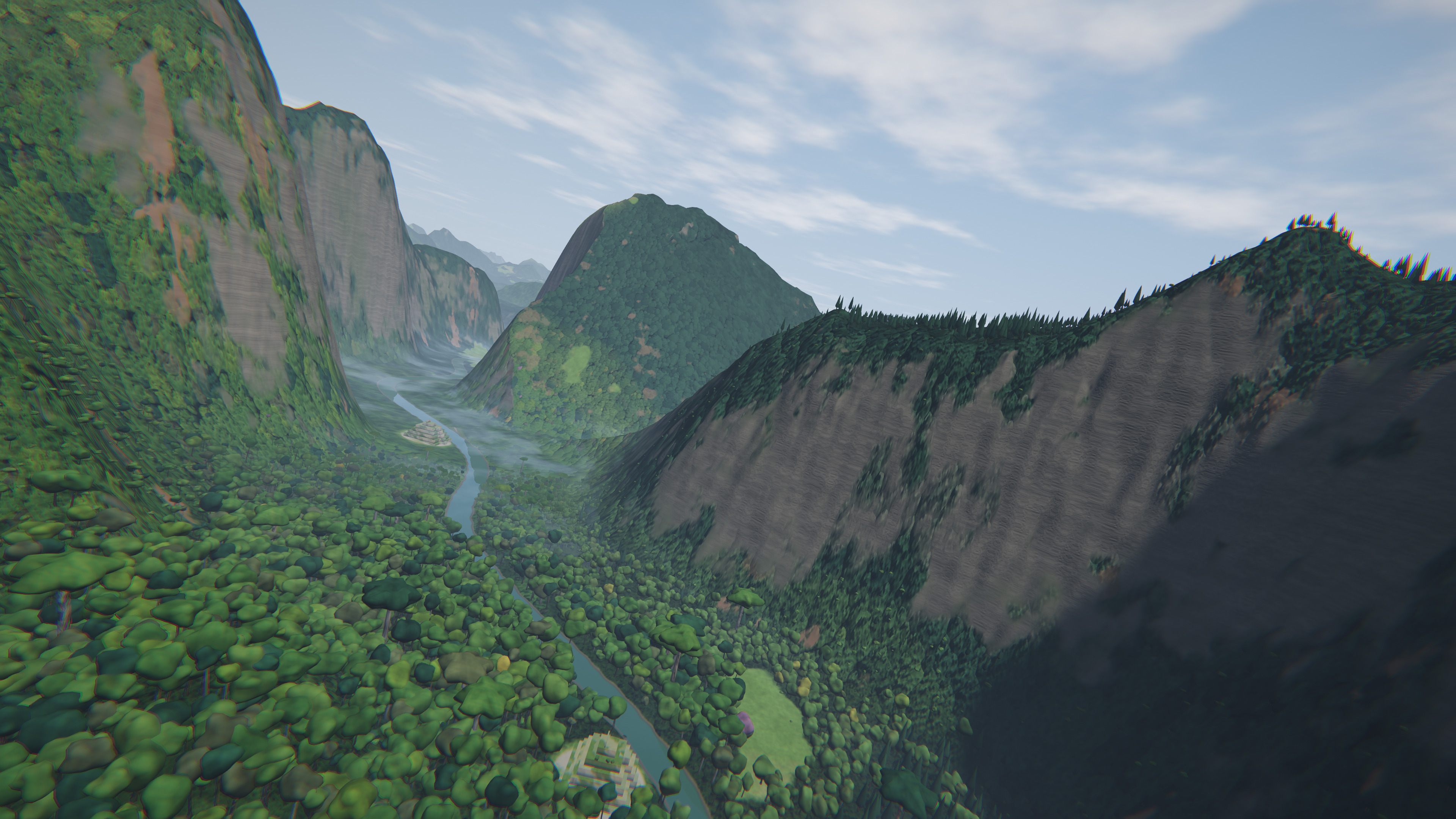
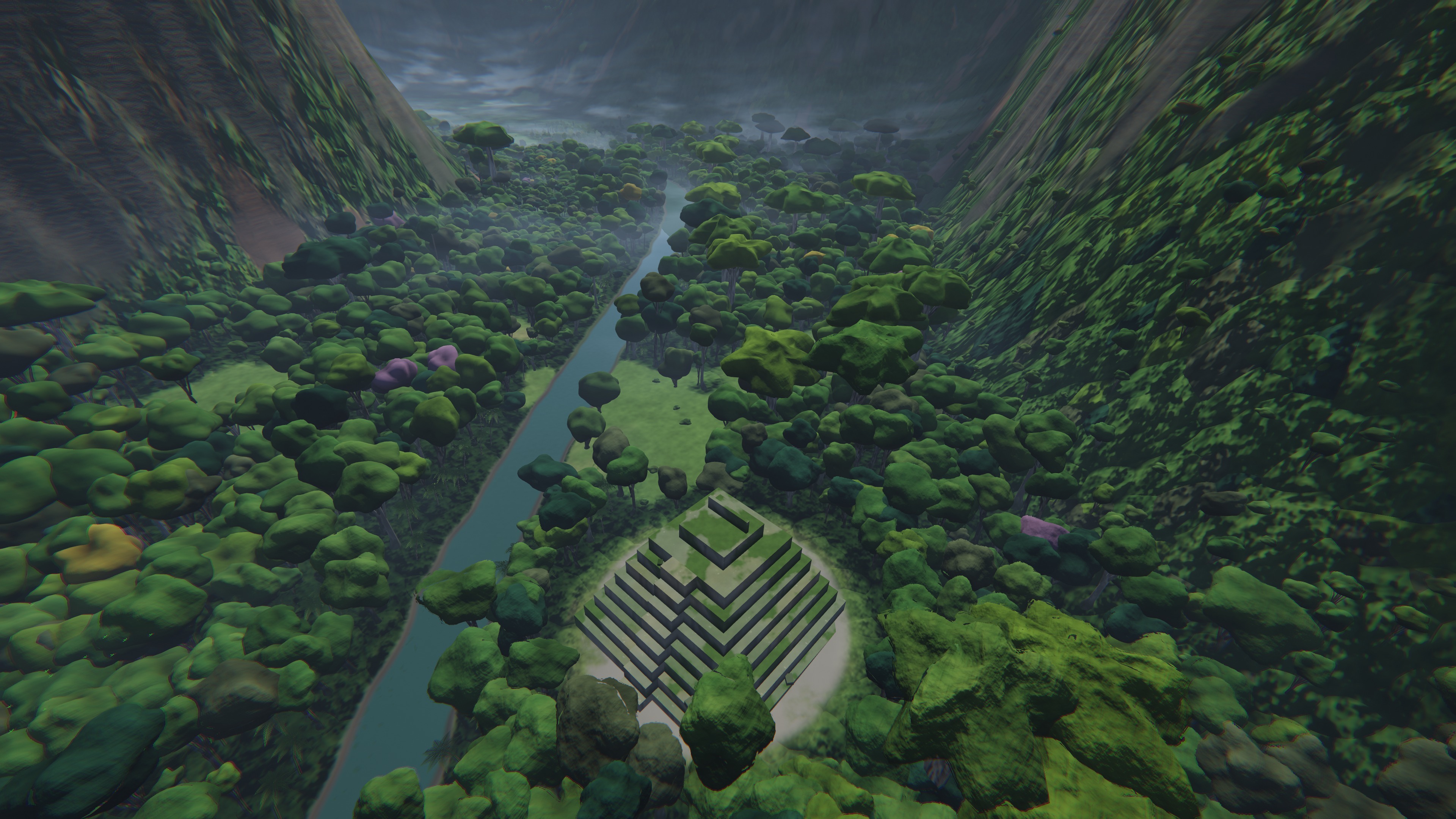
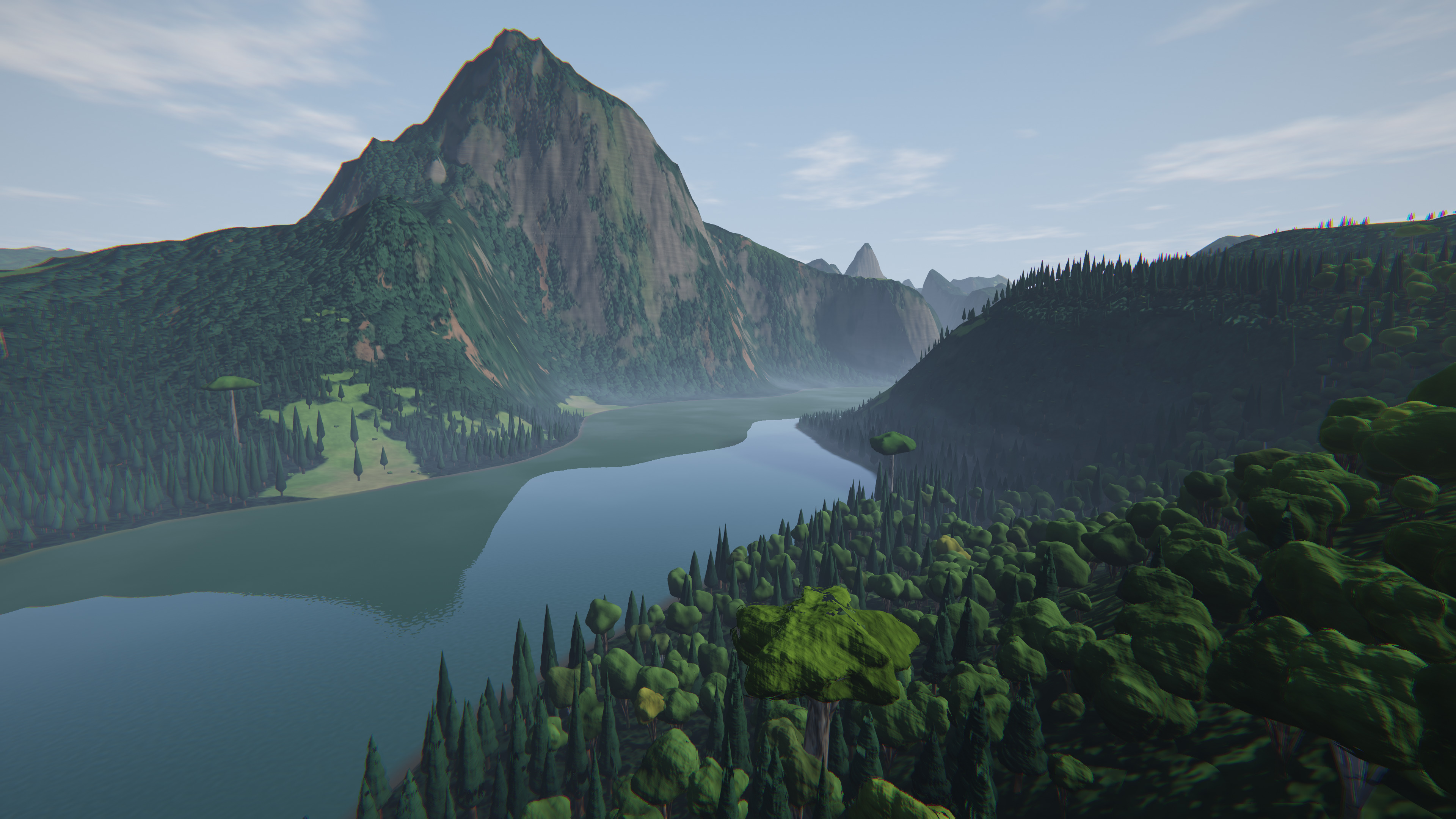
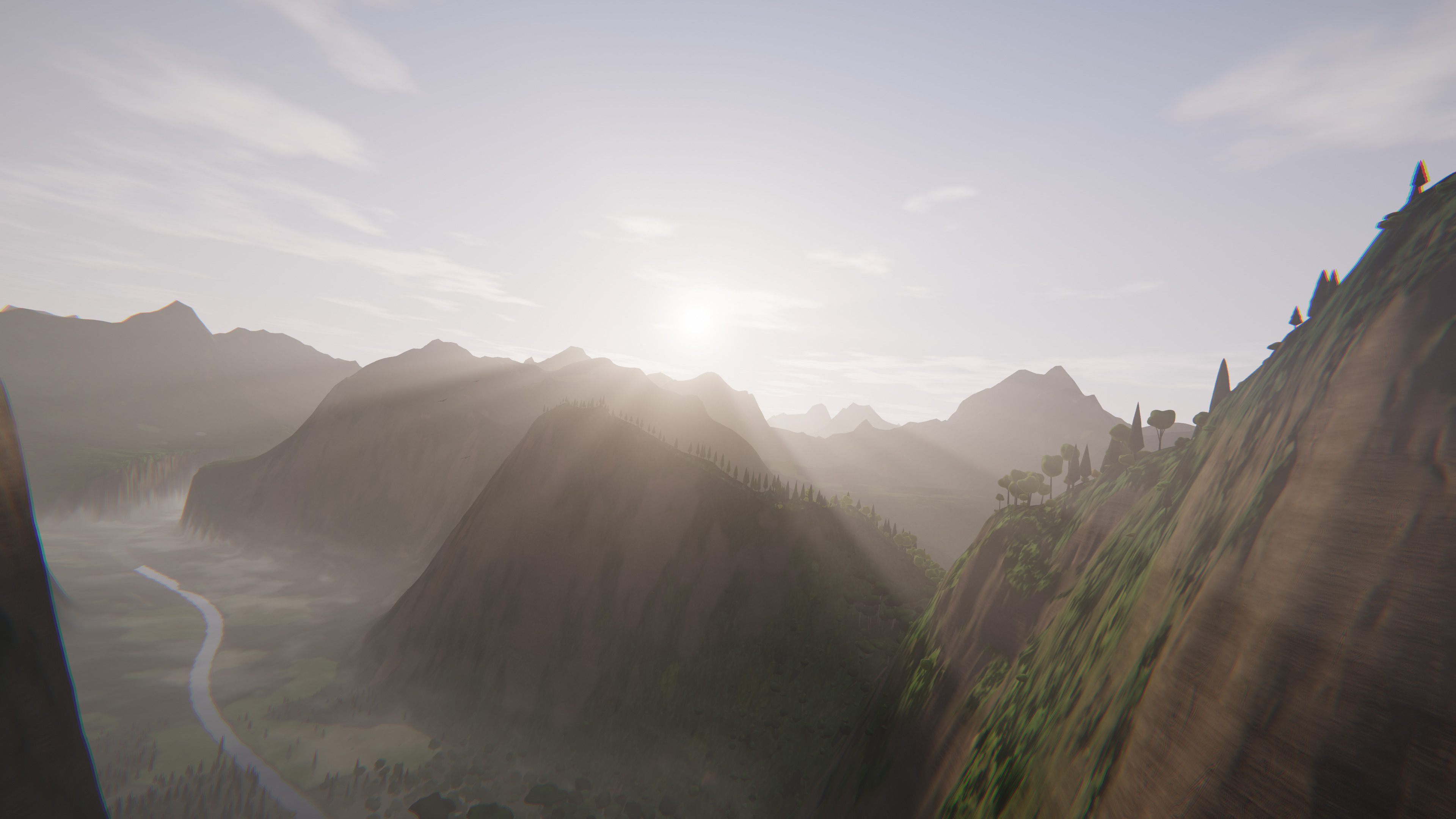
An endless flight low over rivers, through canyons with waterfalls, past mountain lakes and ancient pyramids in the rainforest. As a screensaver, or grab the mouse and fly it yourself. Landscape, light and music are created as you fly, from morning mist to moonlit night. A different world every time, rendered in real time, on Windows 11 and 10.
 Download the Linux demo
Fly it yourself, no screensaver mode · x86‑64, X11
P takes a photo, F shows it
- PTake a photo: in 4K, pin-sharp, no logo. Ready to use as your own desktop wallpaper.
- FView your photos: in FlashView, the extremely fast image viewer.
4K wallpapers
Photos from Jungle Flight, free as desktop wallpapers. Each one comes with its location code: copy it, start Jungle Flight, press Ctrl+V, and the flight begins right there.





Install the screensaver
- Extract the ZIP.
- Right-click FlashView-Jungle-Flight.scr, then "Install".
- Select it in the Windows screensaver settings.
- Under "Settings": quality, speed, clock and music.
Fly it yourself
Run FlashView-Jungle-Flight.exe and steer with the mouse:
- Mouse: turn and climb; after a minute without the mouse the autopilot takes over
- A: straight back to the autopilot
- Wheel: speed · hold left button: turbo
- Digits: set the time of day, e.g. 1, 2 for 12 noon · numpad +/−: one hour forward or back
- P: 4K photo · F: view photos in FlashView · Ctrl+V: fly to a location code
- L: logo · M: music · U: clock · ESC: quit
What is inside
- An endless world: river valleys, rainforest, canyons with waterfalls, mountain lakes and ruins
- A 20-minute day: morning mist, golden hour, sunset, moonlit night with fireflies
- Autopilot with low flights over the river, mountain runs and detours into side valleys
- Birds that fit the place: macaws over the rainforest, herons on the river, vultures in the thermals, bats at dusk
- Endless music, generated in real time to match the time of day and the flight, with birds, cicadas, frogs and rushing water
- Sunbeams, haze and valley fog, HDR lighting and motion blur
- Quality adapts to your PC automatically, up to 4K
- Landscape, flight and music in a single file under 400 KB
Good to know
- No internet connection, no data transfer
- Nothing to install except the screensaver itself
- Runs smoothly even on small mini PCs
- Photos only when flying via the .exe; in the screensaver any key ends the flight
- Graphics with OpenGL 4.6 and a current driver (Intel, NVIDIA, AMD)
- Sharing welcome: free of charge and unchanged
Built by the developer of FlashView, the extremely fast image viewer for Windows. The same demoscene techniques that render a whole world here in real time are what make FlashView fast.
Also free: City Flight, a night flight through a city with a cyberpunk look.