
Comparison
FastStone vs IrfanView - and a faster alternative
Both are good, both are free, and plenty of people have used them for fifteen years. It gets interesting when your archive grows, raw comes into play - and your ratings are meant to outlive the program.
FastStone or IrfanView?
In short: IrfanView is the lean tool for every format, FastStone the more comfortable viewer for photos. IrfanView starts in a blink, weighs almost nothing, opens nearly any format through its plugins and comes with batch processing that has grown over decades. FastStone reads raw natively and broadly, is actively maintained and puts up to four images side by side. If you mostly look through photos, FastStone serves you better; if you need to open or convert exotic files, IrfanView does.
When paging, the two are level, and both are built for manageable folders. IrfanView can load thumbnails from all subfolders on request, but has to be told again at every folder change; FastStone doesn't page across subfolders at all. For a folder with a few hundred pictures, that's enough. For a grown archive with tens of thousands of shots, you need a program built for it - like FlashView.
The difference when paging
We ran FastStone, IrfanView, XnView MP and FlashView on the same folder - the same JPEGs, the same machine - and counted how many images per second go by while paging:
| Program | Images per second |
|---|---|
| FastStone Image Viewer | 2 to 3 |
| IrfanView | 2 to 3 |
| XnView MP | 2 to 3 |
| FlashView | around 30 |
Thirty images per second is as fast as you can hold the arrow key down. You can reproduce this yourself at any time: the same folder, the same machine.
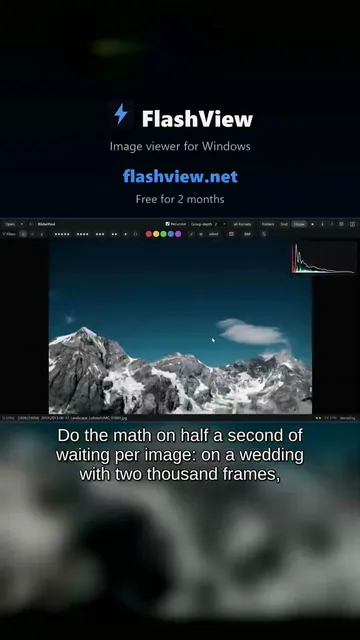 Short · YouTube
20 years of photos: scroll and view one by one
Watch video →
Short · YouTube
20 years of photos: scroll and view one by one
Watch video →
With raw the gap gets bigger. IrfanView develops every raw file in full instead of using the JPEG preview every camera embeds - its own FAQ says so. FlashView shows that embedded preview while you browse and is therefore as fast with raw as with JPEG. For deciding whether an image is sharp and the eyes are open, it's all you need.
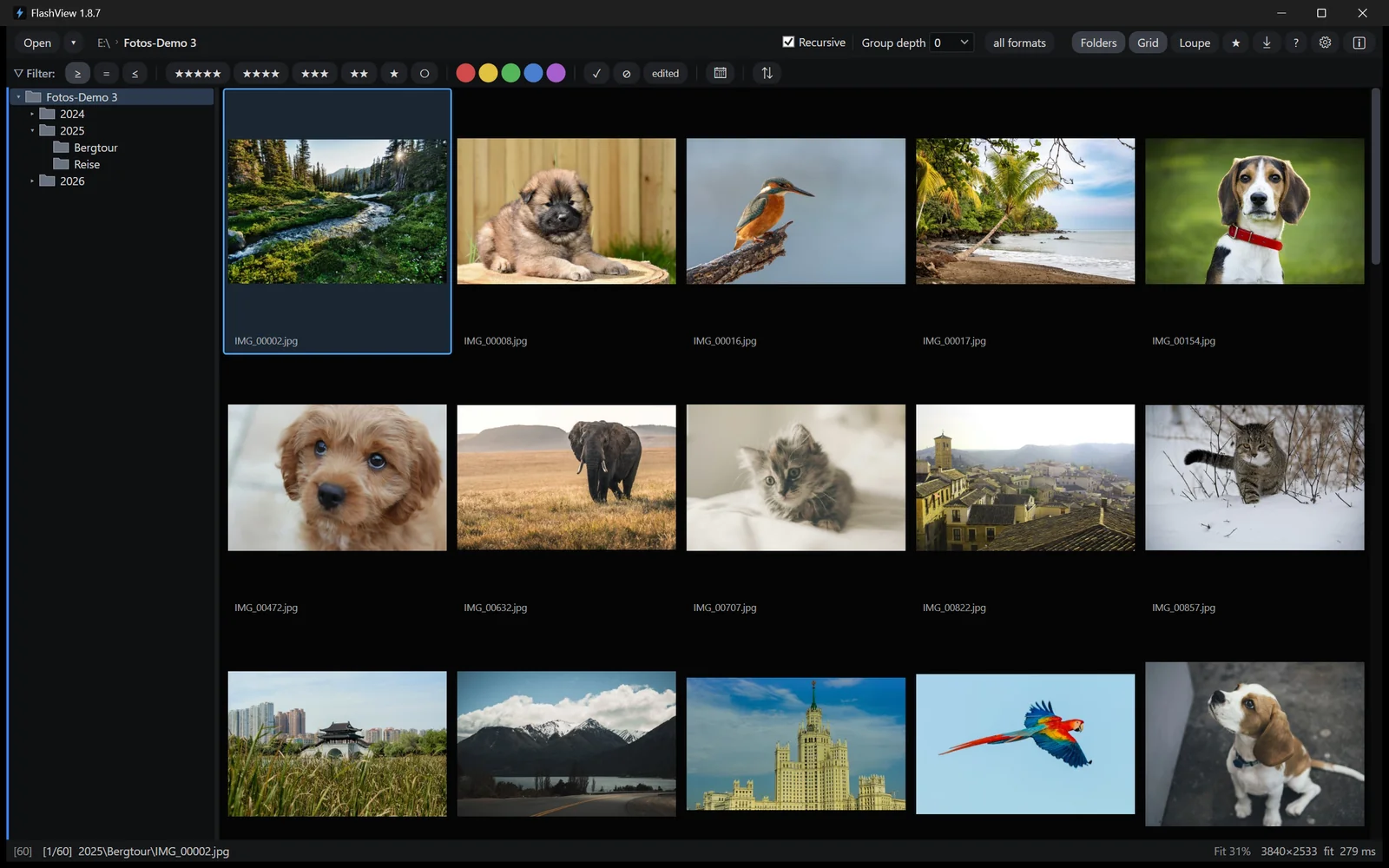
And FlashView is built for size: open the top folder and page through everything below it, even with a hundred thousand shots, without reading anything in first.
Where your ratings end up
FastStone lets you assign stars, but stores them in its own database (%LOCALAPPDATA%\FastStone\FSIV\FSIV.db), not in the file. You can check it in half a minute: assign a rating, close FastStone, right-click the image in Explorer, Properties, Details - nothing there. Your selection only exists as long as this program runs on this machine. And if you move files with FastStone, existing XMP files stay behind in the old folder.
IrfanView has no rating in the sense of a photo workflow at all. The exception among the free ones is XnView MP, which writes stars and color labels cleanly as XMP.
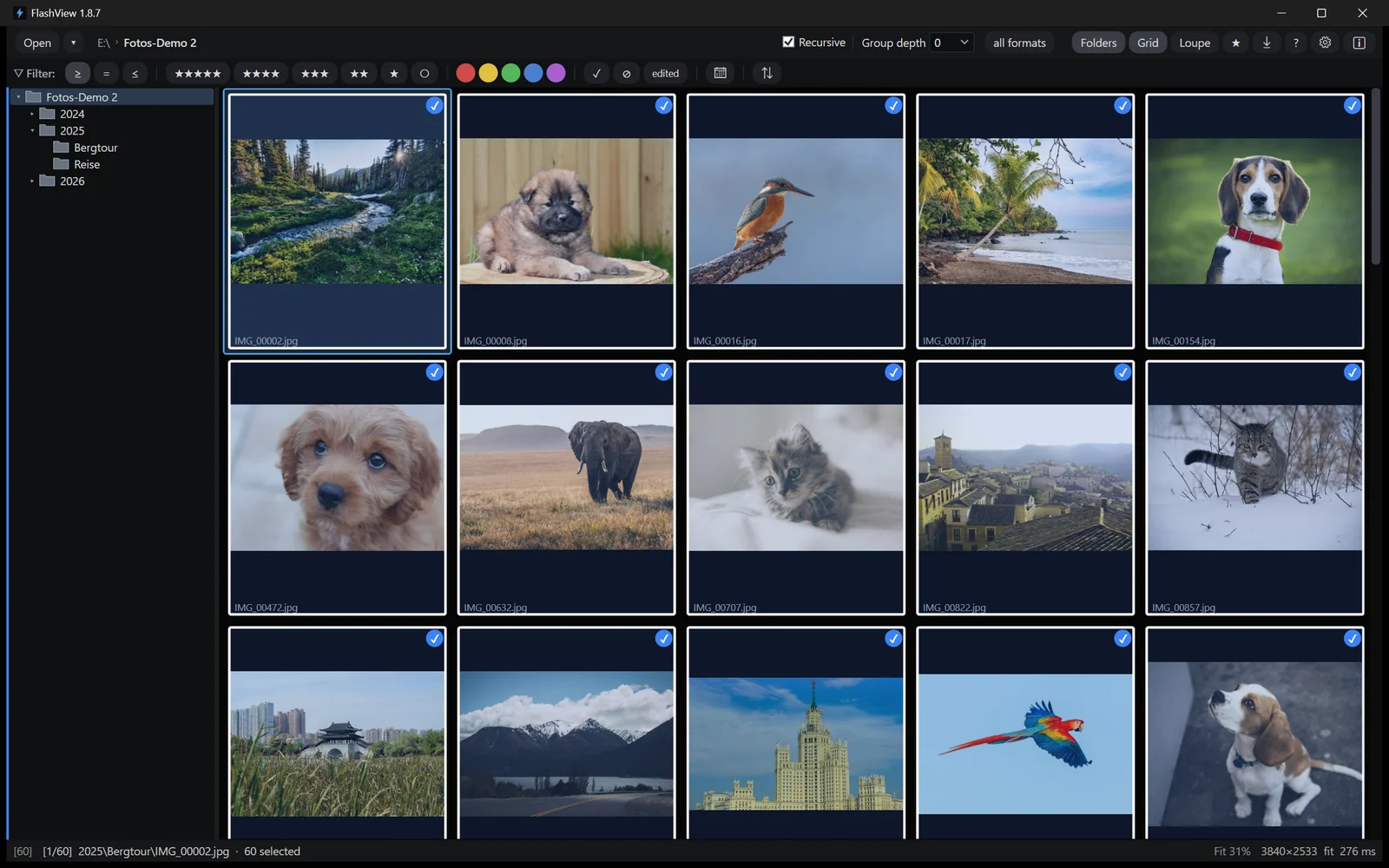
FlashView writes stars, color labels and pick/reject immediately as standard XMP beside the file, readable in Lightroom, Bridge and Capture One. Rating takes one keystroke, for a single image or the whole selection, and you filter across your whole archive by rating and EXIF.
The quick fix without switching programs
FastStone and IrfanView can crop and rotate too, but they write the result into the image - the original is gone. FlashView edits non-destructively: straighten, crop, pull the exposure back, carry a look across the series, and every change can be taken back.
Then there is redaction: black out or pixelate license plates or faces right while culling, before the image goes out. And the card ingest creates target folders and file names from your own templates.
Side by side
| Criterion | FastStone / IrfanView | FlashView |
|---|---|---|
| Images per second when paging | 2 to 3 | around 30 |
| Raw while browsing | FastStone good, IrfanView develops in full | as fast as JPEG |
| Very large archives | built for smaller folders | designed for 100,000+ |
| Ratings in the file | own database or none | standard XMP, immediately |
| Non-destructive editing | no, writes into the image | the original stays untouched |
| Redact and pixelate | not built for it | right while culling |
| Format range | very large, plugins | the common raw formats, JPEG, HEIC, PSD |
| Price | free | one time, no subscription |
Who the switch is worth it for
Stay with the free one if you work through manageable folders, don't shoot raw and don't cull systematically - or regularly open exotic formats.
The switch is worth it if your archive has grown, you shoot raw, and your ratings are meant to arrive outside the program too. FlashView is a one-time purchase, no subscription, no follow-up costs - about as much as one dinner out with a glass of red wine.
The two don't exclude each other: IrfanView for any exotic file, FlashView for the archive and the selection.
Try it yourself
FlashView runs for 60 days, complete and free, with no registration. The most honest test is your own archive. Go to the download - after that a one-time purchase, no subscription.