
Measurement
Fastest image viewer for Windows? What we measured
Whether FlashView is the fastest image viewer of all, we can't say - we haven't measured every program. We measured it against the three best-known free ones. The result: around 30 images per second against 2 to 3.
The measurement
The same folder of JPEG files, the same machine, the arrow key held down - and we counted how many images per second actually appear on screen:
| Program | Images per second |
|---|---|
| FastStone Image Viewer | 2 to 3 |
| IrfanView | 2 to 3 |
| XnView MP | 2 to 3 |
| FlashView | around 30 |
Around 30 is also the limit of the keyboard: a key held down repeats about 30 times per second on Windows. So FlashView shows every image the key asks for. Only paging was measured, our own measurement from 29 August 2026. All three are proven programs with strengths of their own, for example with rare formats - more on that in FastStone vs IrfanView.
 Short · YouTube
Scroll through 20,000 photos - no catalog, no waiting
Watch video →
Short · YouTube
Scroll through 20,000 photos - no catalog, no waiting
Watch video →
Fast means three things
Paging: From image to image without waiting, even with the key held down. That's the number above.
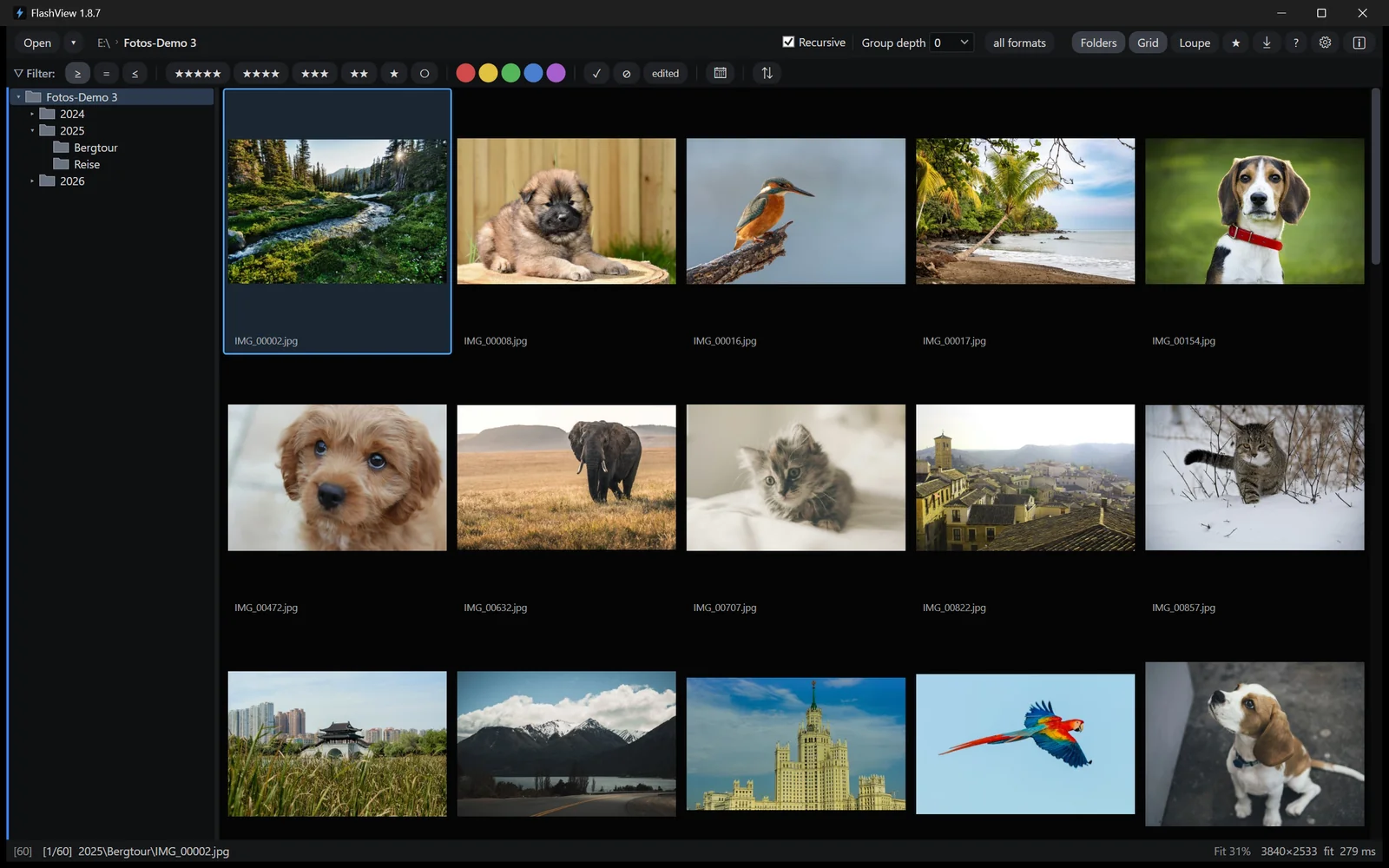
Large folders: Open the top folder of your archive and page through everything below it, even with a hundred thousand shots. Nothing is read in first and no catalog is built - the images are there right away.
Raw: Every camera puts a finished JPEG preview inside the raw file. FlashView shows that preview while you browse and is therefore as fast with raw as with JPEG. For deciding whether an image is sharp and the eyes are open, it's all you need. Developing only happens when you edit an image.
Why FlashView is this fast
The techniques come from game development, not from classic document viewers. FlashView only ever loads what you're about to see - a beat before you see it. It reuses memory instead of allocating it anew and decodes in the background under a fixed time budget, so the interface never stutters. In the grid, only the tiles currently on screen exist.
None of it is exotic. It's the craft of the demoscene on the C64 and Amiga and of work on a game with a real-time 3D engine: wringing every millisecond out of ordinary hardware. There is one requirement: FlashView needs an SSD, it doesn't run from a classic hard disk.
Who else is fast
FastRawViewer is built for speed and is well ahead of the free ones. Same folder, same machine: FastRawViewer shows around 12 images per second, FlashView around 30 - more than twice as many. Scrolling through the grid, FastRawViewer shows hourglasses until you stop; FlashView shows the images while you're still moving.
Then there's the handling: across all subfolders, FastRawViewer reads everything in once and then keeps the list fixed. For a different section, it's back to the dialog. In FlashView you simply click the next folder in the folder tree - the whole archive, one year, one shoot - and see everything below it right away. Culling works right there, which FastRawViewer doesn't allow in that view. Cropping, looks and export as a finished JPEG are missing there entirely.
Photo Mechanic is fast as well. We haven't measured it, so there's no number here. It's the tool for press and sports desks, with IPTC templates in great depth and a much higher price. In detail: Photo Mechanic compared.
Measure it yourself
Take your own folder, hold the arrow key down and count along. FlashView runs for 60 days, complete and free, with no registration. Go to the download - after that a one-time purchase, no subscription.