
Comparison
A FastRawViewer alternative for Windows
FastRawViewer is the well-known program for fast culling. FlashView is faster - and doesn't stop once you've culled.
Faster, in the grid and in single view
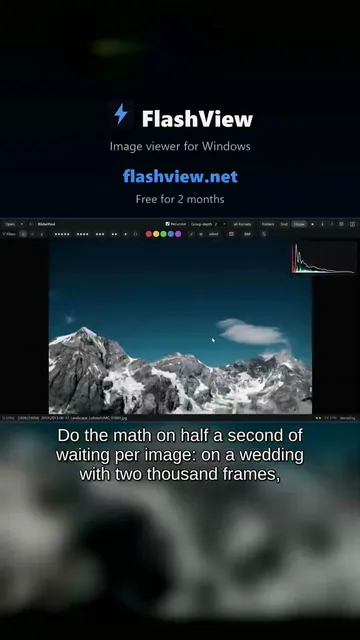
Same folder, same machine, arrow key held down: FastRawViewer shows around 12 images per second, FlashView around 30. That's as fast as Windows repeats a held key - FlashView shows every image the key asks for.
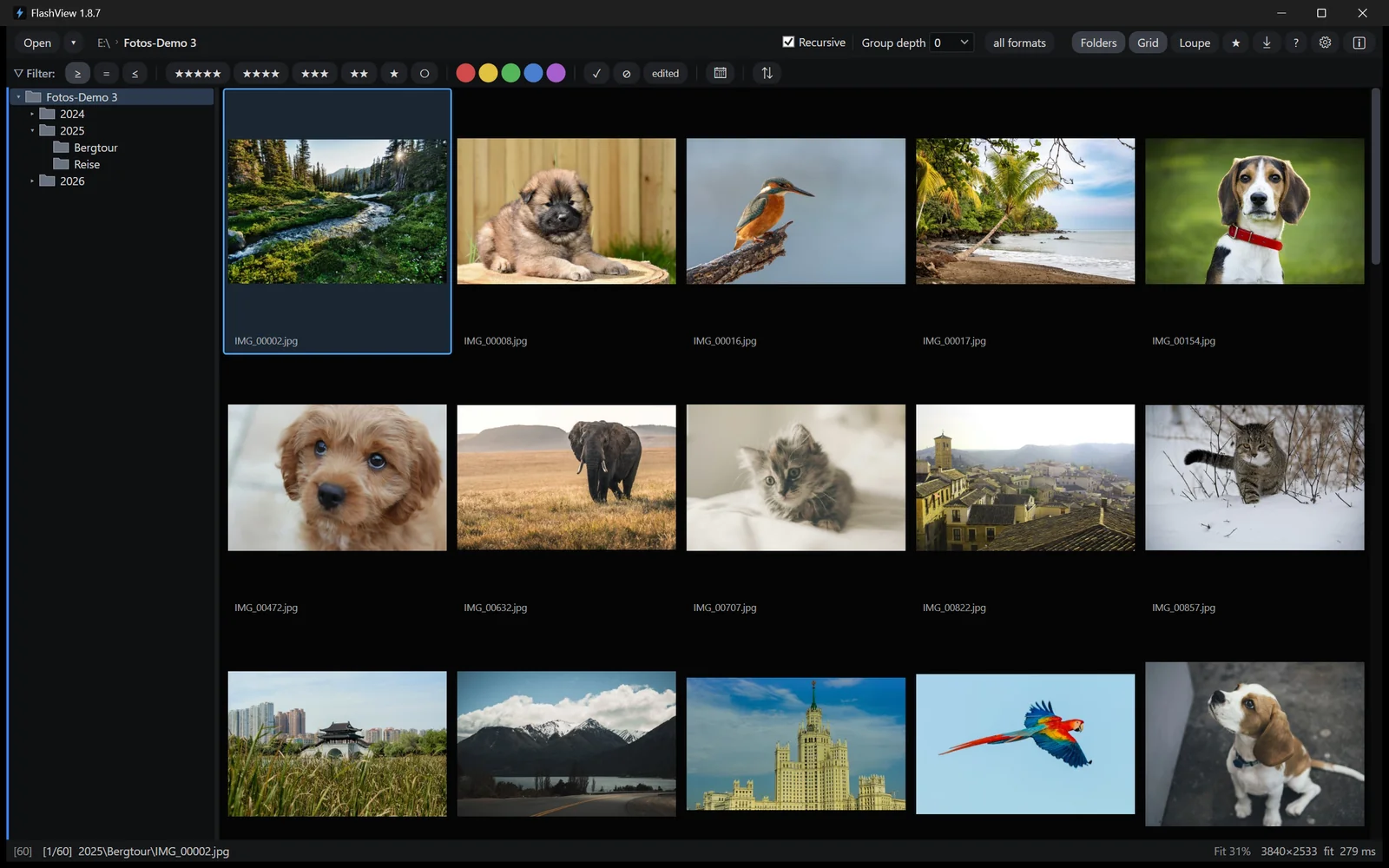
In the grid the difference is even clearer. While you scroll, FastRawViewer shows hourglasses; the images only arrive once you stop. FlashView shows them while you're still moving.
 Short · YouTube
20 years of photos: scroll and view one by one
Watch video →
Short · YouTube
20 years of photos: scroll and view one by one
Watch video →
Culling with one key
In FlashView every decision is one key: 1 to 5 for stars, 6 to 9 and V for color labels, P for pick, X for reject. With auto-advance, FlashView then moves straight on to the next image. FastRawViewer puts stars, color labels and reject on Alt combinations by default - every decision takes two keys. Across two thousand images after a job, you notice.
Your whole archive instead of a fixed list
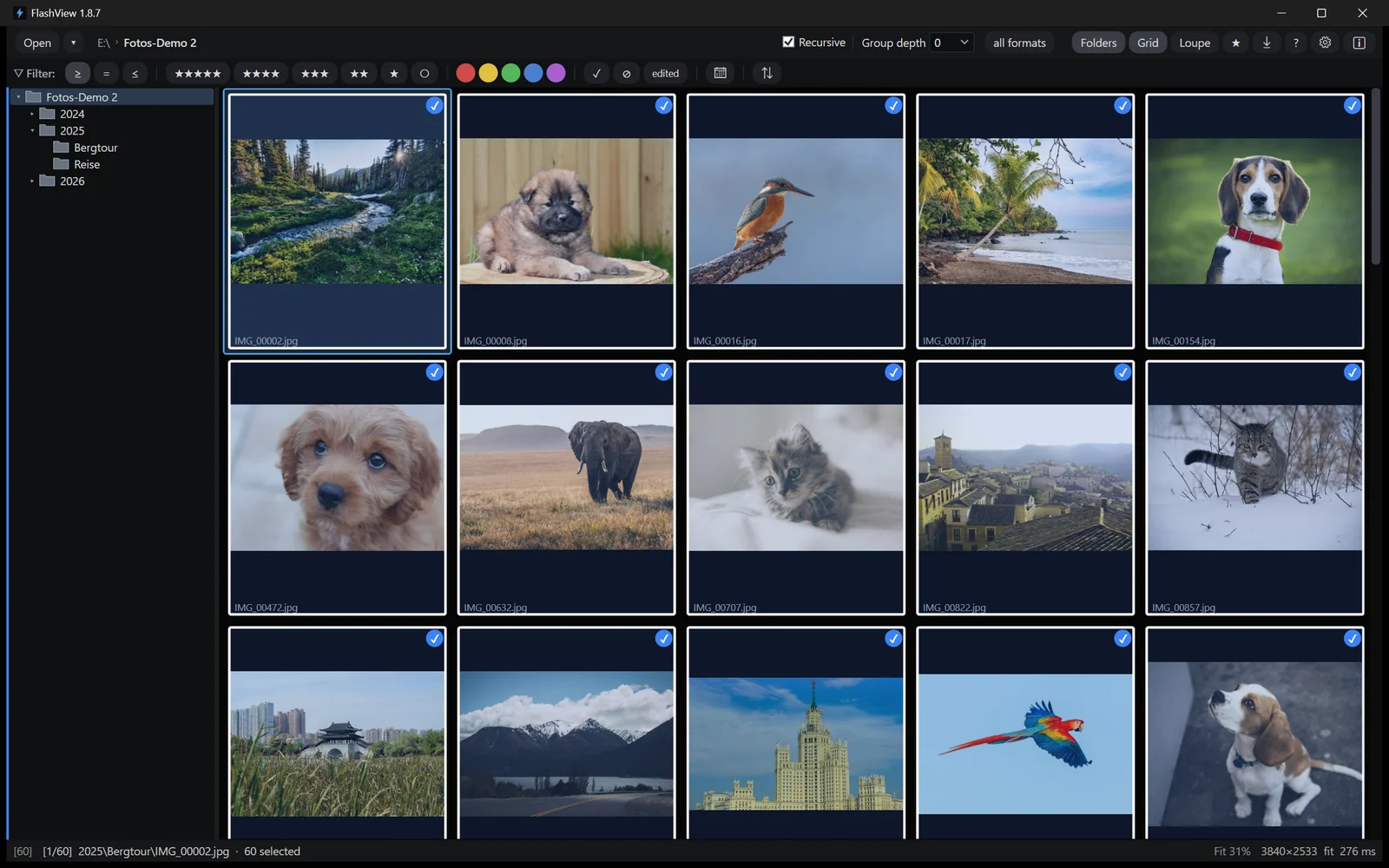
In FlashView, one click on a folder in the tree shows everything below it - the whole archive, one year, one shoot. One click a level up or down, and the view follows. All levels, no dialog, nothing read in first. Group depth keeps every shoot together if you want.
FastRawViewer opens subfolders through a separate dialog. Depth is set to three levels there, the limits to 100 folders and 10,000 files. After that the list is fixed: new files don't appear, folders can't be created or renamed, moving is blocked - including to "Rejected" - and copying only goes to folders outside. All images sit in one flat list, not grouped by folder. For a different section, it's back to the dialog.
In FlashView everything stays available across all subfolders: rate, filter, copy, delete, re-read with F5.
After culling, the work goes on
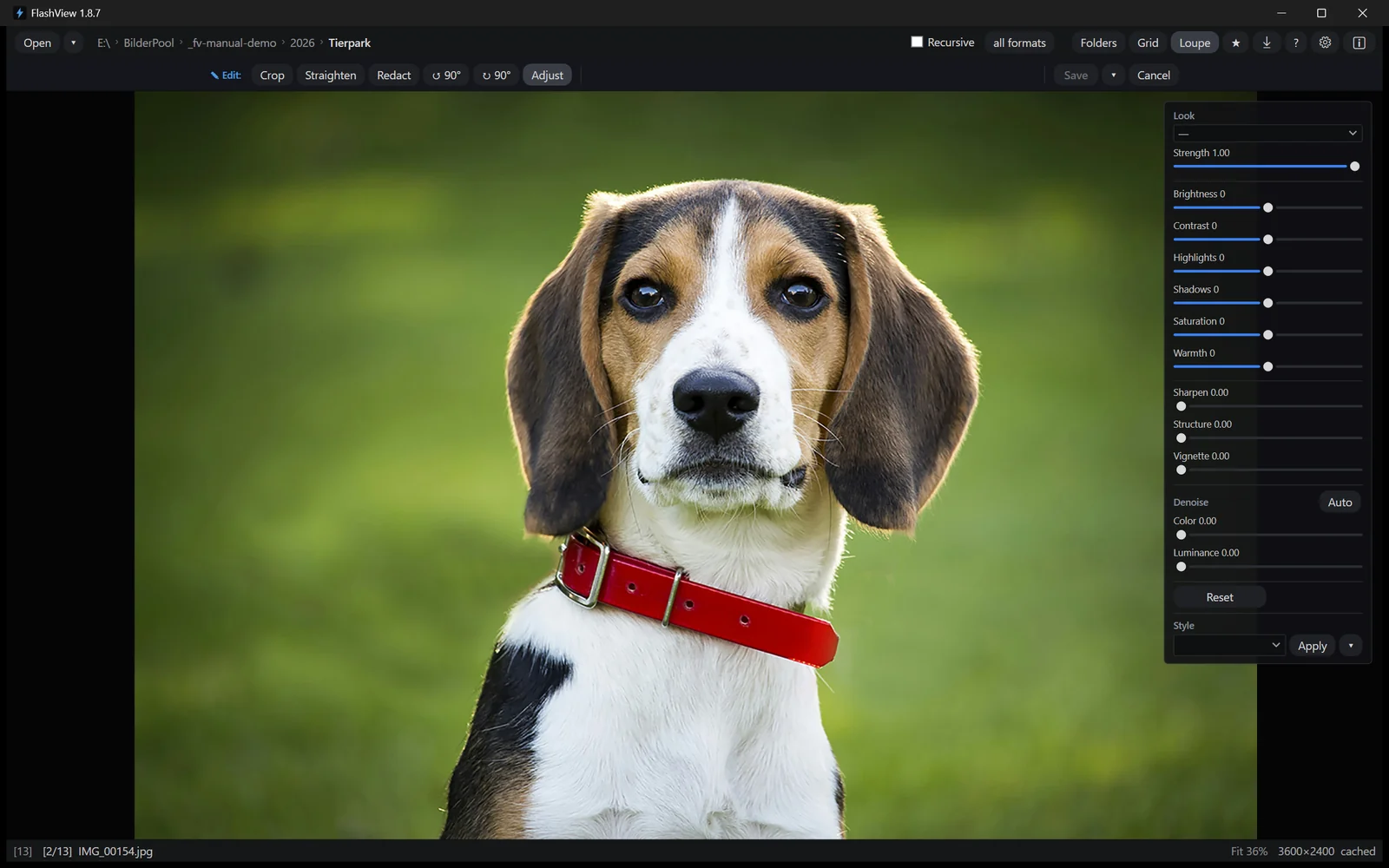
FastRawViewer stops at culling. It writes exposure or white balance only as an instruction for Adobe programs into the XMP file; it can't crop, apply a look or export a finished JPEG.
FlashView keeps going, from the card to the finished image: import with day folders and your own file names, non-destructive editing with real raw development, one look across the whole series, redacting or pixelating license plates and faces, handoff to Photoshop and back automatically, export as JPEG.
FastRawViewer and FlashView compared
| Criterion | FastRawViewer | FlashView |
|---|---|---|
| Images per second when paging | around 12 | around 30 |
| Scrolling the grid | hourglasses until you stop | images while moving |
| Rating | Alt + key by default | one key, auto-advance |
| All subfolders | dialog, default 3 levels, 100 folders, 10,000 files | one click, all levels |
| Working in that view | list fixed, moving blocked | everything available, F5 re-reads |
| Editing | only as an XMP instruction for Adobe | non-destructive, with raw development |
| Redacting and pixelating | no | right while culling |
| Export as JPEG | no | yes |
Try it yourself
Run both on the same folder: hold the arrow key, scroll the grid, switch to a subfolder. FlashView runs for 60 days, complete and free, with no registration. Go to the download - after that a one-time purchase, no subscription.