
Comparison
A Photo Mechanic alternative for Windows
If you use Photo Mechanic, you know why fast culling matters. Two questions remain: what it costs - and whether you still want to open a second program for the small correction.
What Photo Mechanic gets right
For culling, Photo Mechanic has long been considered the benchmark: card in, images there, arrow key through, one key to decide. In sports and news desks it is the default, because it doesn't wobble under deadline. On top of that come IPTC templates, code replacements and variables at a depth nobody else offers.
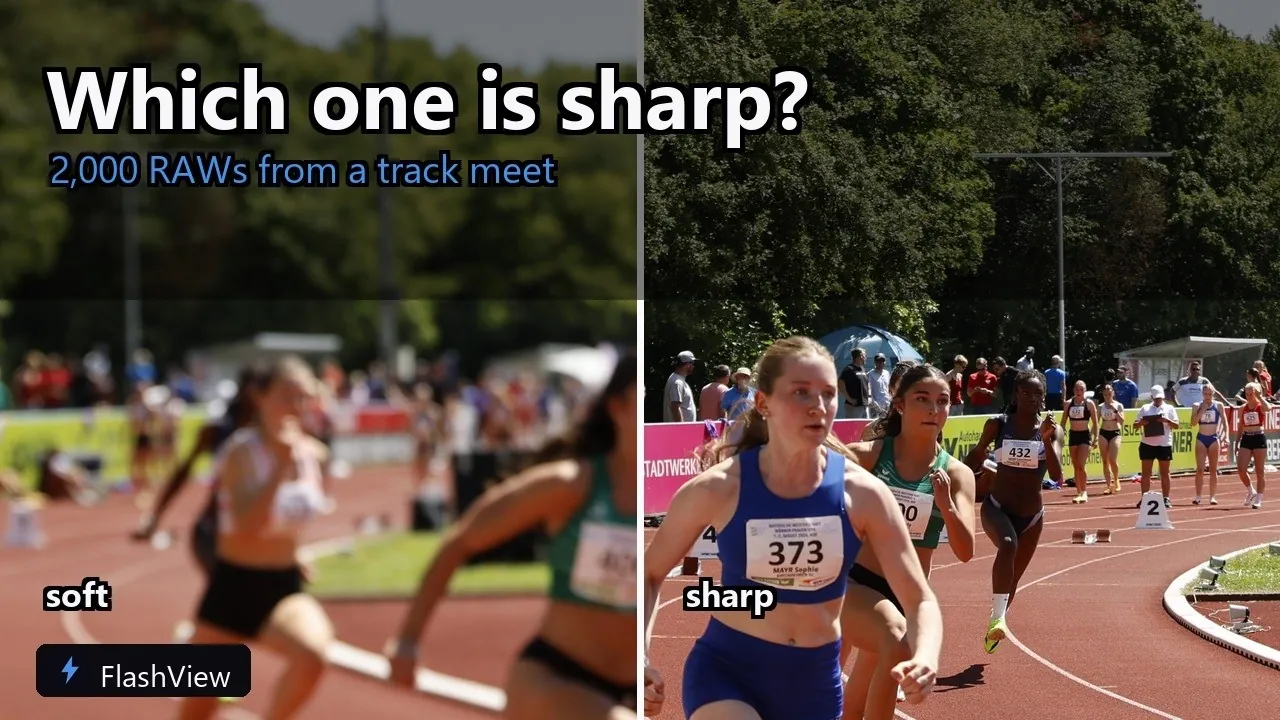
When paging, FlashView is faster. Same folder, same machine: Photo Mechanic shows around 9 images per second, FlashView around 30. And scrolling through the grid, Photo Mechanic first shows grey placeholders and the images follow - FlashView shows them while you're still moving. As a much younger program, FlashView is also more modern in look and handling. Both show the JPEG preview that sits inside every raw file instead of developing it first. The video shows what that looks like on a real competition day: almost two thousand raws, checking focus, culling, selects the same afternoon.
What changed about the price
Camera Bits now sells Photo Mechanic as a subscription or as a perpetual license: the standard subscription for 149 dollars a year, Plus with an image database for 249. As a perpetual license, Photo Mechanic costs 299 dollars, Plus 399 dollars.
Cancel the subscription and the program stops running. Your metadata stays in the files, but you can't open them with it anymore. The perpetual license gets one year of updates and stays at that version afterwards.
FlashView is a one-time purchase, no subscription, no follow-up costs.
The quick fix without switching programs
Photo Mechanic doesn't develop raw files, by design. After culling, you always go to a second program. For serious development that's fine. For a crooked horizon, a license plate that has to go, or a tighter crop, it's a program switch for thirty seconds of work.
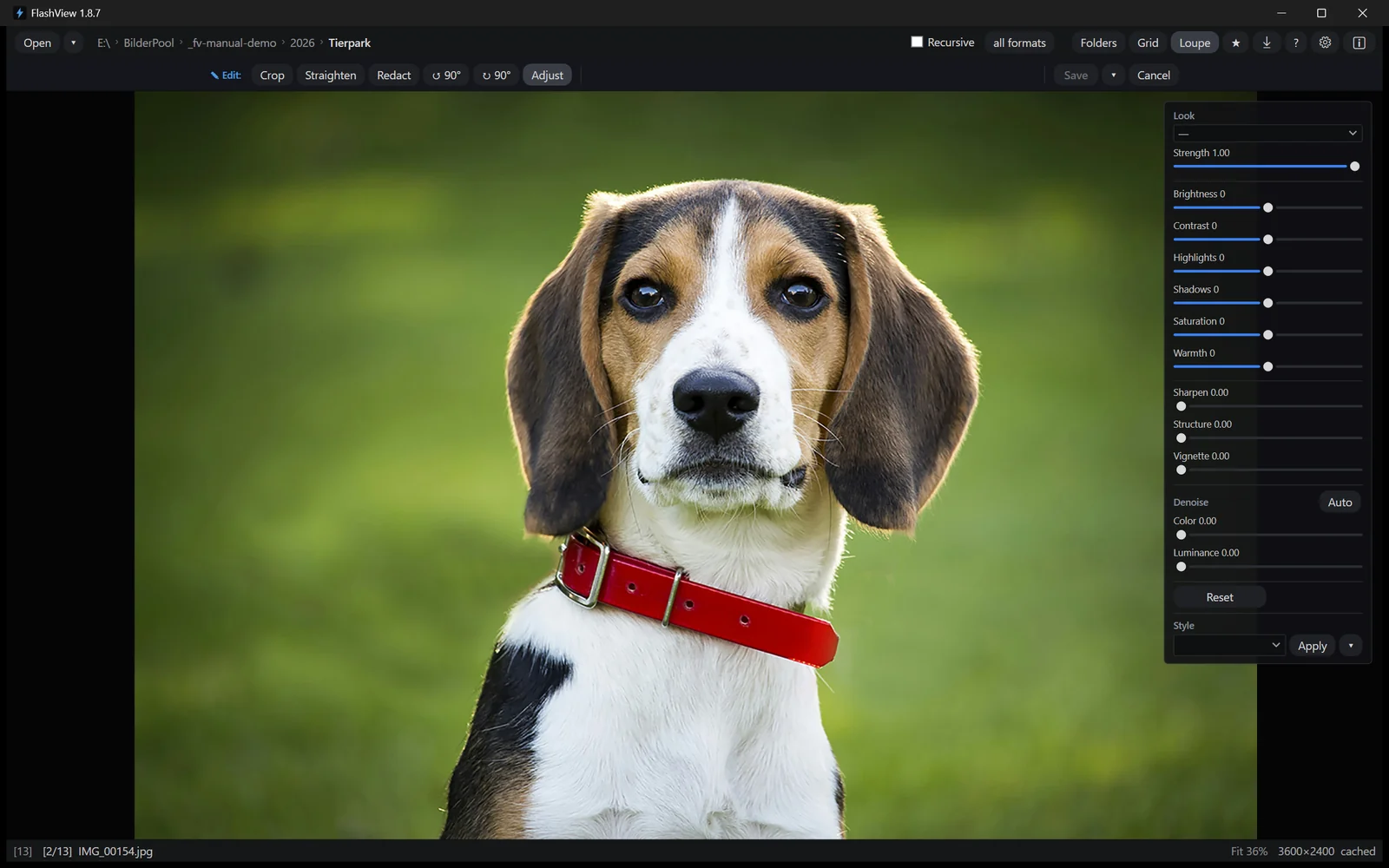
FlashView does it right there: crop, straighten, pull the exposure back, carry a look across the series. Non-destructive, the original stays put. With raw files, editing works from the actual raw data, not the preview - so the reserves in highlights and shadows are there to use.
A real advantage is redaction. License plates, faces in the crowd, an address in the background: in FlashView you black out or pixelate the spot right while culling, before the image goes out. With Photo Mechanic, that too needs a second program.
Alongside rather than either-or
You can keep the split into one program for culling and one for development. FlashView writes ratings, color labels and picks as standard XMP beside the file, just like Photo Mechanic - Lightroom, Bridge and Capture One read them too. Through the PSD round trip an image goes to Photoshop and comes back edited. You just no longer switch for every everyday case.
And FlashView covers more than the one job. You page through your whole archive with it, across all subfolders and without importing: one click on a folder in the tree shows everything below it - the whole archive, one year, one shoot. Photo Mechanic needs its separate right-click command for that every time and reads everything in again. And FlashView is the image viewer for every day: double-click in Explorer, the picture is there.
Side by side
| Criterion | Photo Mechanic | FlashView |
|---|---|---|
| Images per second when paging | around 9 | around 30 |
| Scrolling the grid | grey placeholders, images follow | real thumbnails while you scroll |
| All subfolders | right-click, reads everything in again | one click in the folder tree |
| Editing in place | no, by design | yes, non-destructive |
| Photoshop and back | opens the file, no way back | sent with your edits, comes back by itself |
| Redact and pixelate | no | yes, right while culling |
| Ratings as XMP | yes | yes, immediately |
| Metadata depth | IPTC templates, variables | not at this level |
| Watermarks, sending by mail | yes | no |
| Catalog across offline media | in the Plus version | no |
| Cost | 149 $ a year as a subscription or 299 to 399 $ one time | one time, no subscription |
What it costs over three years
| Route | per year | over three years |
|---|---|---|
| Photo Mechanic, subscription | 149 $ | 447 $ |
| Photo Mechanic Plus, subscription | 249 $ | 747 $ |
| Photo Mechanic, perpetual | 299 $ one time | 299 $ |
| Photo Mechanic Plus, perpetual | 399 $ one time | 399 $ |
| FlashView | n/a | one-time purchase |
The fair comparison is the perpetual license: pay once against pay once. Even there Photo Mechanic costs several times as much, and updates end after one year.
Who the switch is worth it for
Stay with Photo Mechanic if you deliver to news desks and need the metadata tools, your team works with it, or you use the catalog across offline media.
Have a look at FlashView if you mostly browse and cull, rarely enter more than copyright and a few keywords, and the program switch for every crooked horizon annoys you.
Photo Mechanic has a 30-day trial, FlashView 60 days. Running both on the same folder for an afternoon answers the question better than any comparison text.
Try it yourself
FlashView runs for 60 days, complete and free, with no registration. Go to the download - after that a one-time purchase, no subscription.